Your business records.
Right there on your phone.
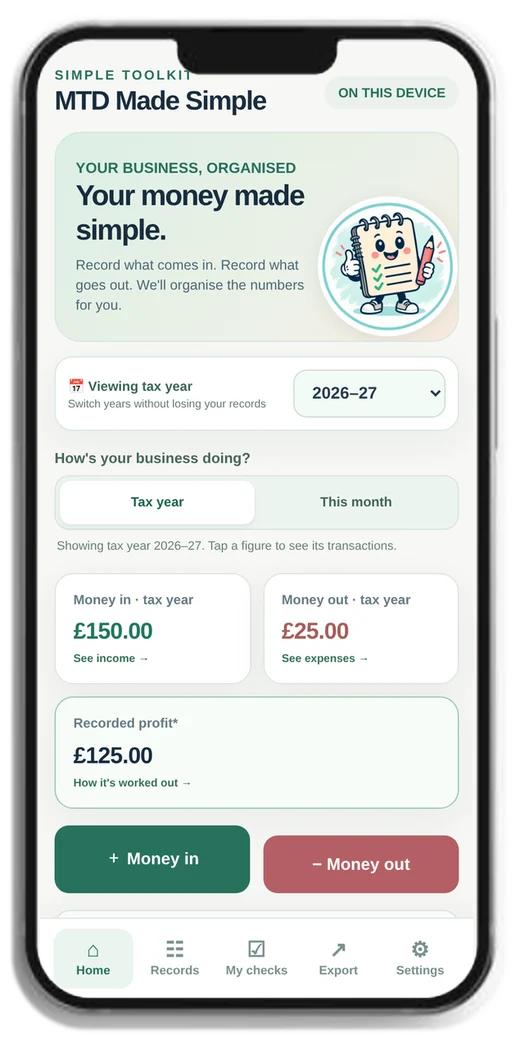
Meet your simple online Record Keeper. Open it on your iPhone, iPad or computer, tap Money In or Money Out, and save. That’s your everyday bookkeeping sorted into simple steps.
See your figures and quarters as you go. And when you need a spreadsheet for your accountant, generate the full Excel workbook with a click. All the guides, checklists and supporting tools are included too.
Instant digital access
Do you actually need to do MTD?
Let’s work that out first. Our free visual checker helps you understand which rollout threshold and tax year may apply to you.
There’s no point buying something you don’t need yet. The checker takes you through the questions step by step, in ordinary language.
Free checker · No purchase required · Return here when you’re ready
Three simple steps. That’s your routine.
The online Record Keeper handles the everyday work. The paperwork and Excel files are ready only when you need them.
Tap & record
Sign in, tap Money In or Money Out, and save each entry in a few simple steps. No spreadsheet skills needed.
See where you stand
See your totals, review your quarters and work through Pogo’s checks. Switch tax years when you need to.
Export when needed
Download your Excel workbook or prepare a file for your accountant. MTD submissions still need compatible software or your agent.
Your bookkeeping, in your pocket.
No spreadsheet to fill in every day. Just open MTD Made Simple on your phone, enter what came in or went out, and carry on with your day.
Got paid?
Tap. Enter. Save.
Enter the amount, what it was for and a few simple details. Your record reference is added for you.
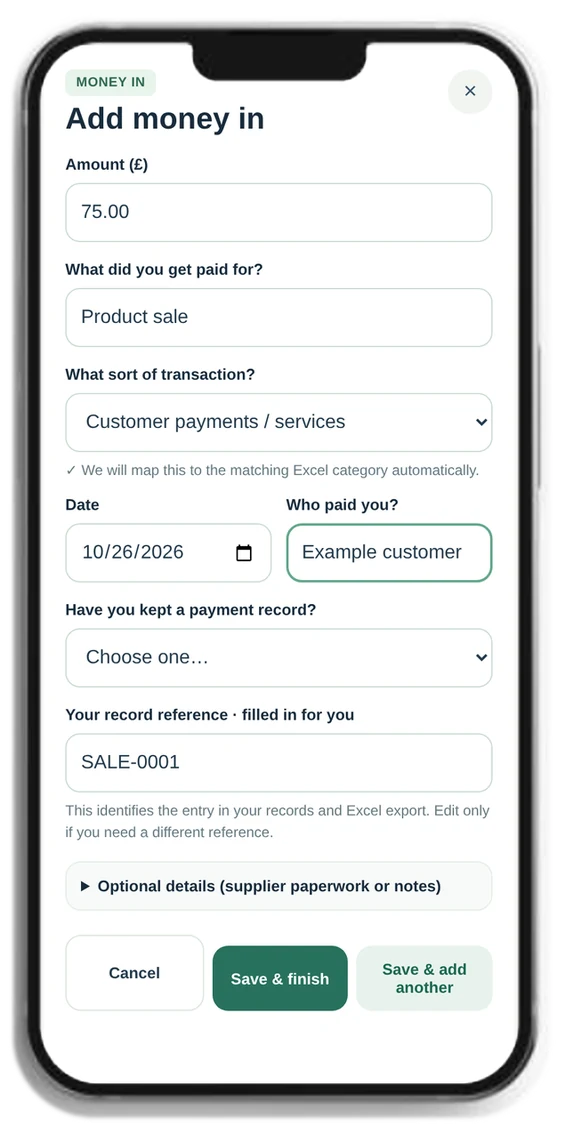 Actual Money In screen, shown on an iPhone.
Paid an expense?
Just as easy.
Add what you spent, pick a category and note whether you’ve kept the receipt.
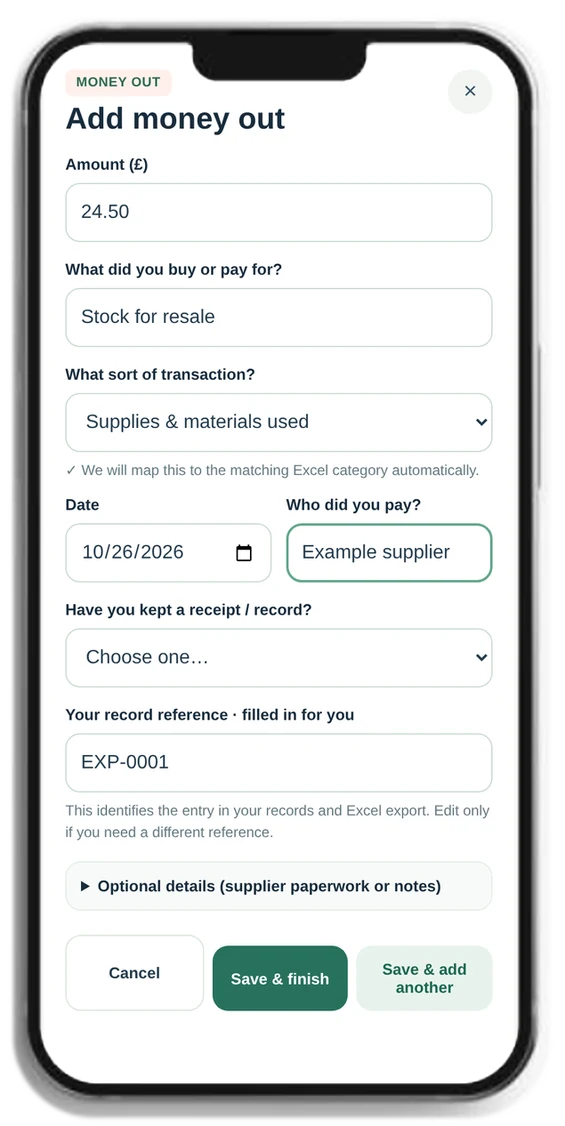 Actual Money Out screen — the same simple layout.
Made for your iPhone and iPad.
Works on your computer, too.
Your Home screen shows Pogo, your figures and the two buttons you’ll use most. Pick up your phone for a quick entry, or use a bigger screen when you have more time.
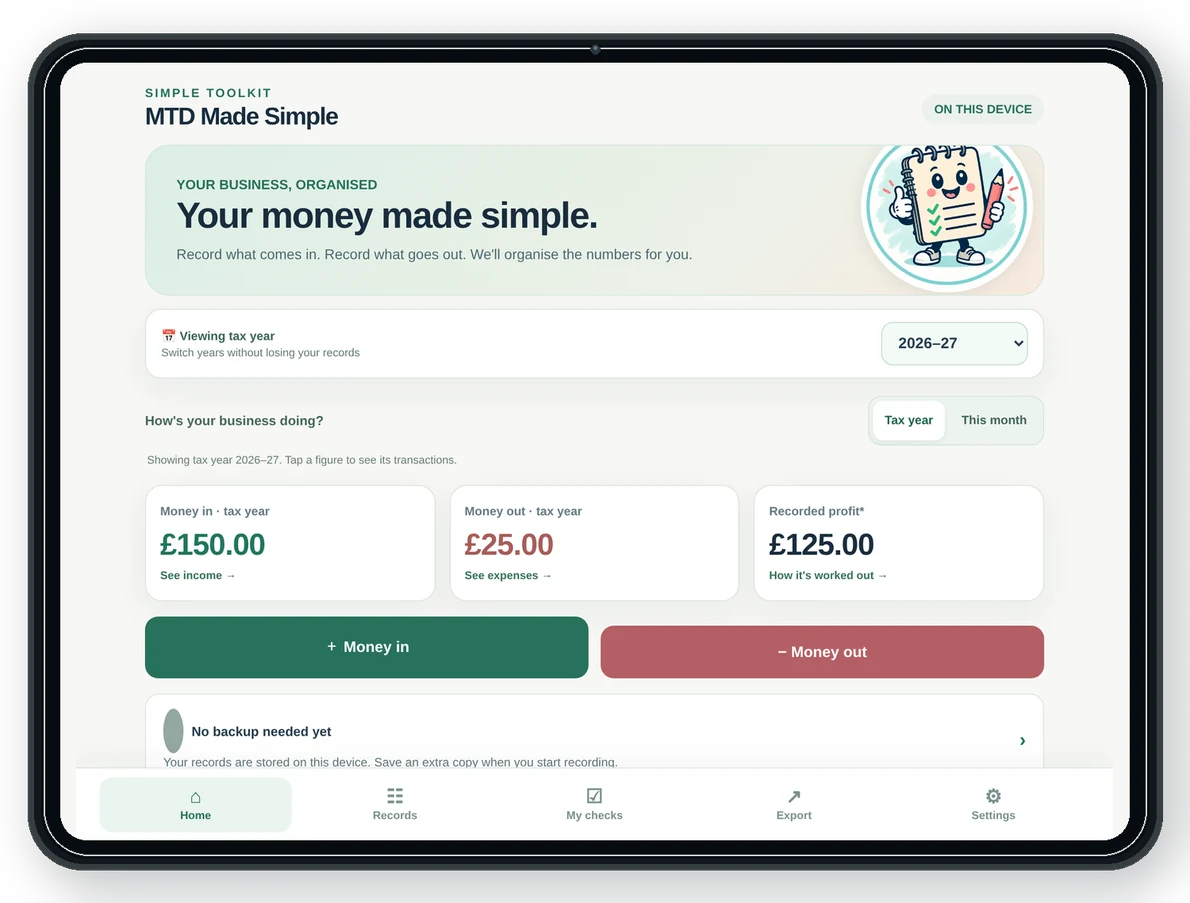
Good to know: Use MTD in your browser or install the Pogo app on your iPhone Home Screen — no App Store download needed. Records are saved locally on that device and do not automatically sync between devices. Save a backup before changing phones or moving records.
Money in, money out and recorded figures at a glance.
Keep track of your checks and when an update is due.
Switch between saved years without mixing your records up.
Download an extra copy of your records for safekeeping.
See the full picture of your money. Without the spreadsheets.
Every time you record money in or money out, your charts update from your saved records. See what’s coming in, what’s going out and which expenses are taking the biggest share — all in a few taps.
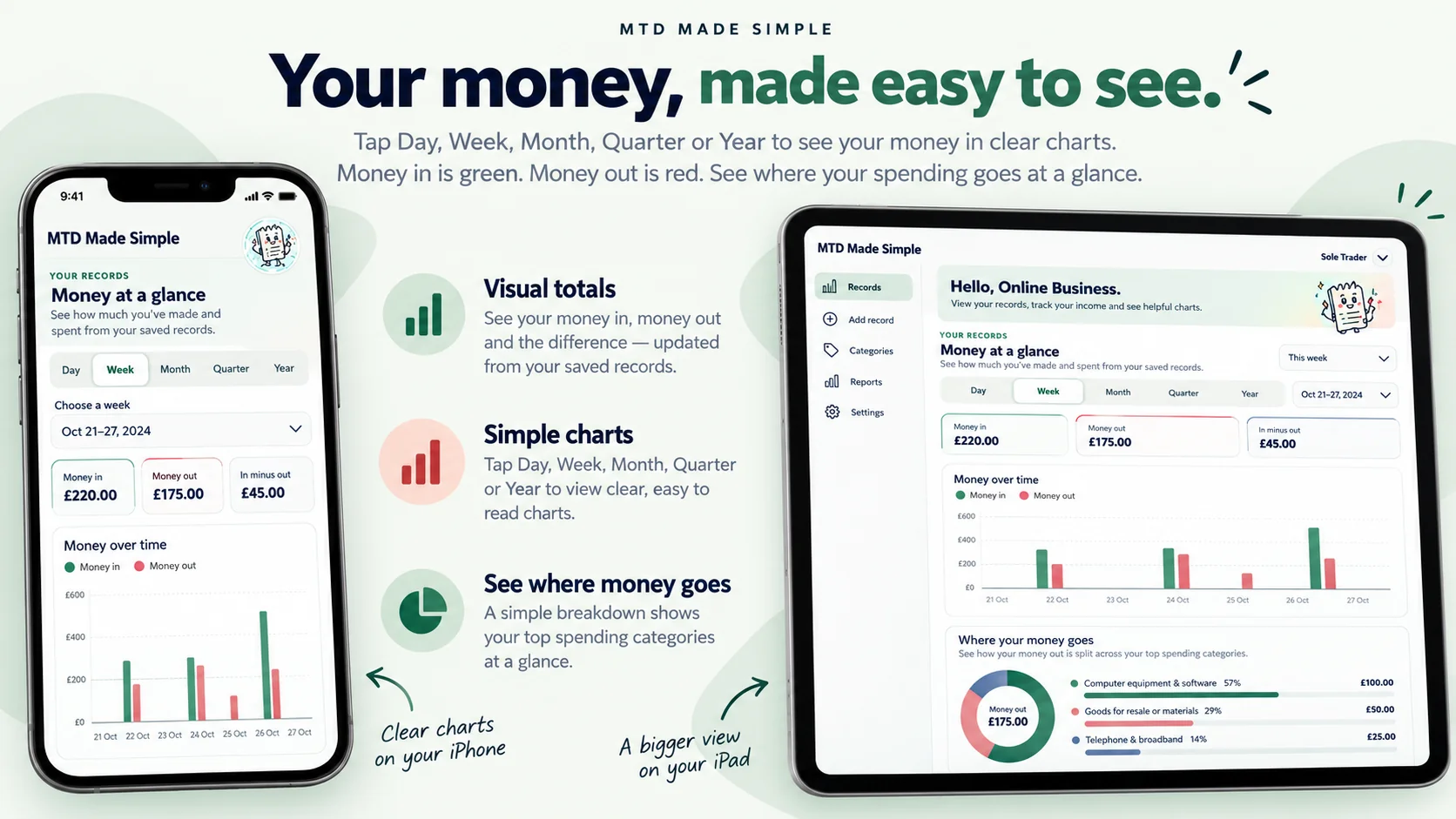
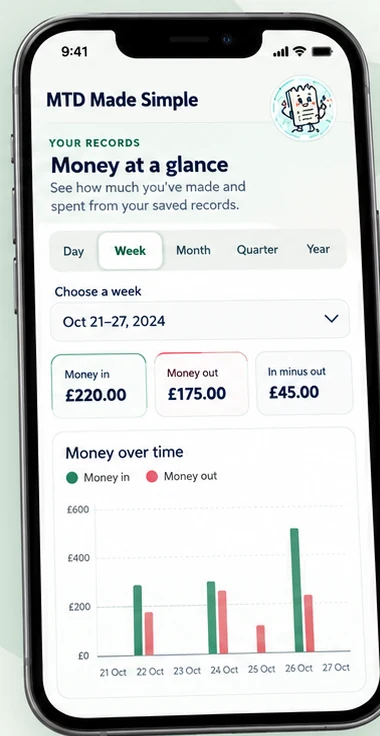
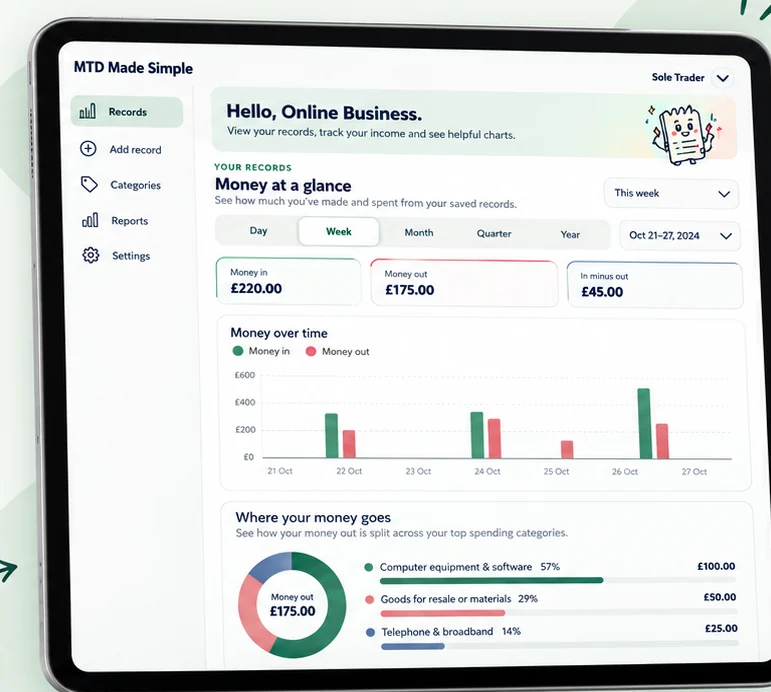
Tap Day, Week, Month, Quarter or Year to see your business figures. Swipe back through earlier activity when you need to.
Green and red bars make it easy to compare what you’ve received and spent. The difference is shown clearly above.
A simple category breakdown reveals what you’re spending most on — materials, travel, equipment and more.
Illustrative screens with example figures. “In minus out” is a simple comparison of recorded amounts, not a final taxable-profit or tax calculation.
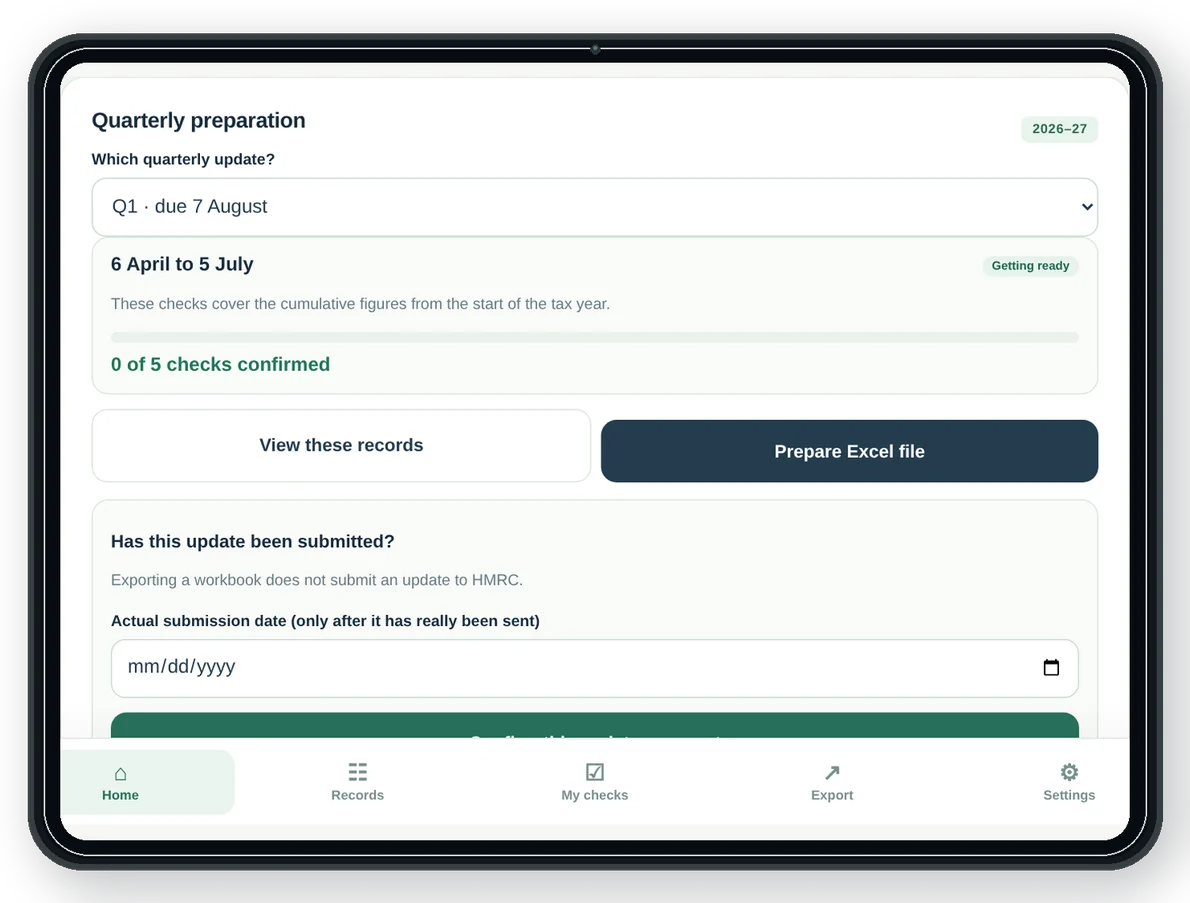
Know where you stand before each quarterly update.
The Record Keeper helps you review the right records, work through your checks and prepare the figures you’ll need.
Once the update has actually been sent using suitable software (or by your accountant), you can mark it as submitted in your Record Keeper.
Use the easy Record Keeper every day.
Create the full Excel workbook in a click.
Everything you’ve entered can be turned into a downloadable Excel workbook for your chosen tax year. No retyping your income or expenses.

Your records. A complete workbook. Ready to share.
The download brings together your Money In and Money Out entries, dashboard, quarterly and year-end checks, tax set-aside planner, Accountant Summary and Bridging Export worksheet.
Send the workbook to your accountant or use it with suitable bridging software, subject to that software’s supported linking or import method. Creating a workbook does not submit an update to HMRC.
Everything else you need to feel prepared.
The Record Keeper is the star. Your £29 purchase also includes easy guides, ready-made documents and practical checklists.
Know what you’re doing — and why.
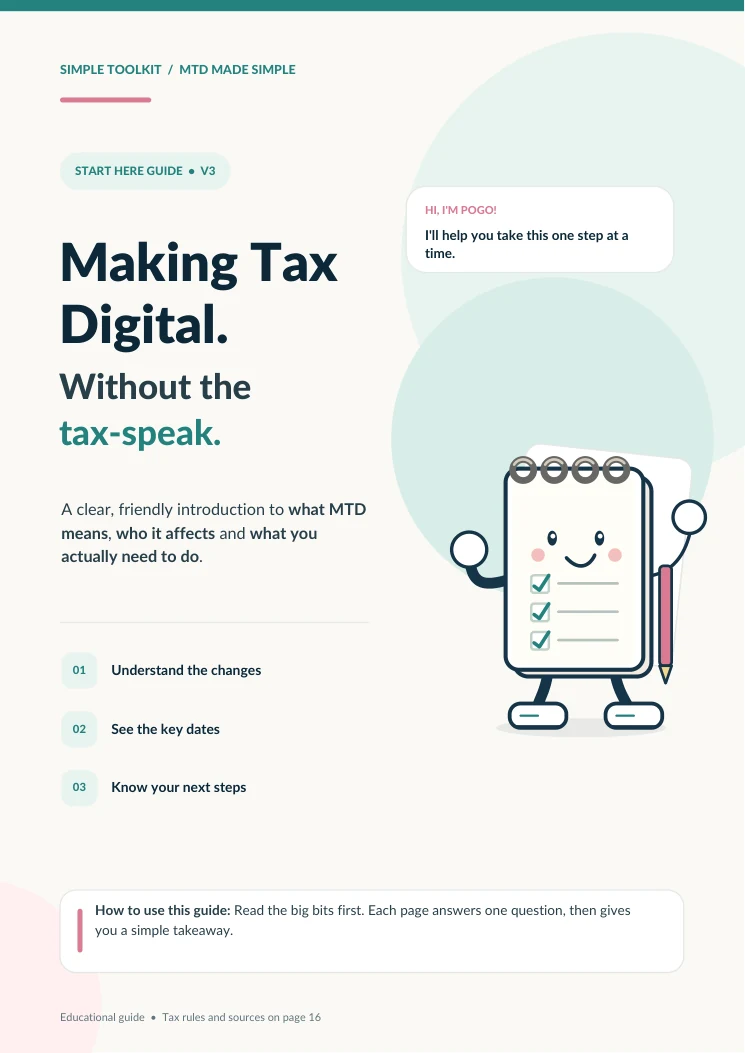
Our START HERE guide and illustrated Online Record Keeper Quick Guide show you how to get going, where to tap and what to check — without the technical language.
- What Making Tax Digital changes
- How to log in and use the online Record Keeper
- How to review your quarters and save backups
- Where compatible software and your accountant fit

Helpful guides and admin tools — not just a Record Keeper.
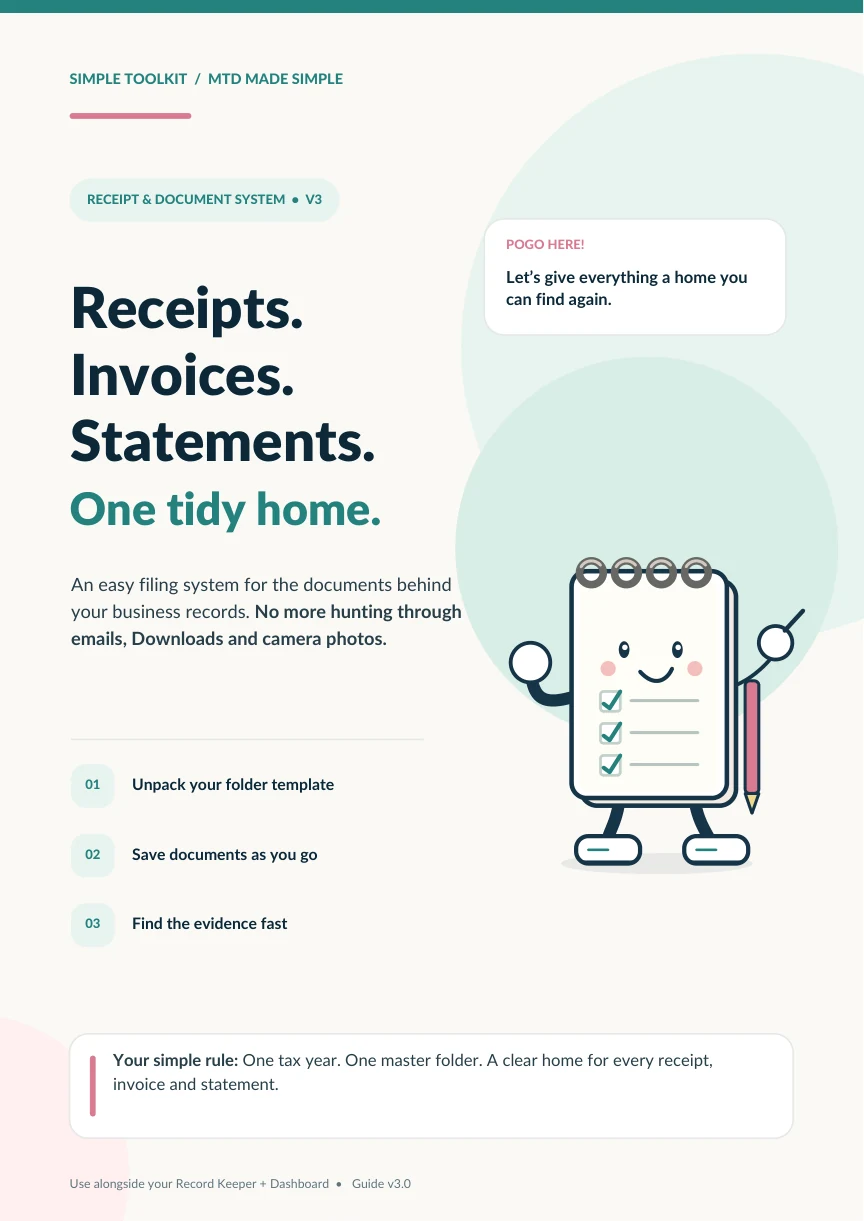
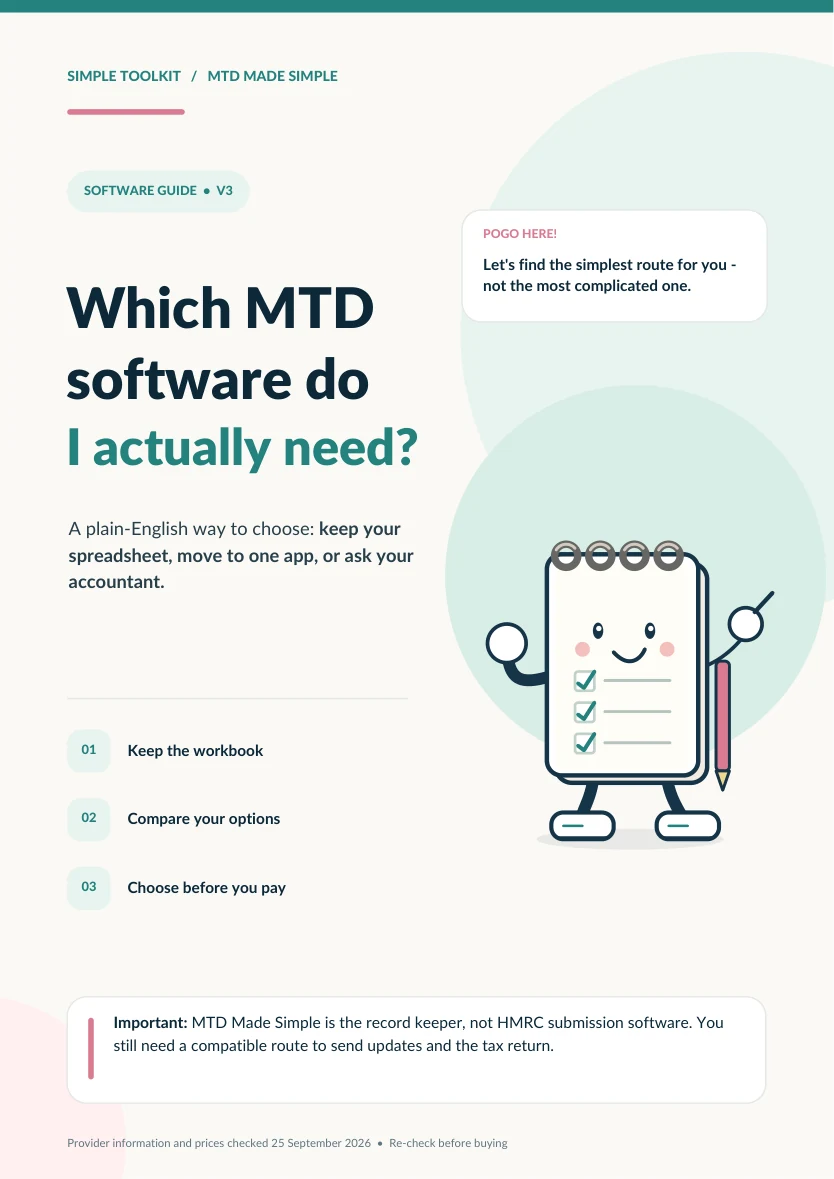
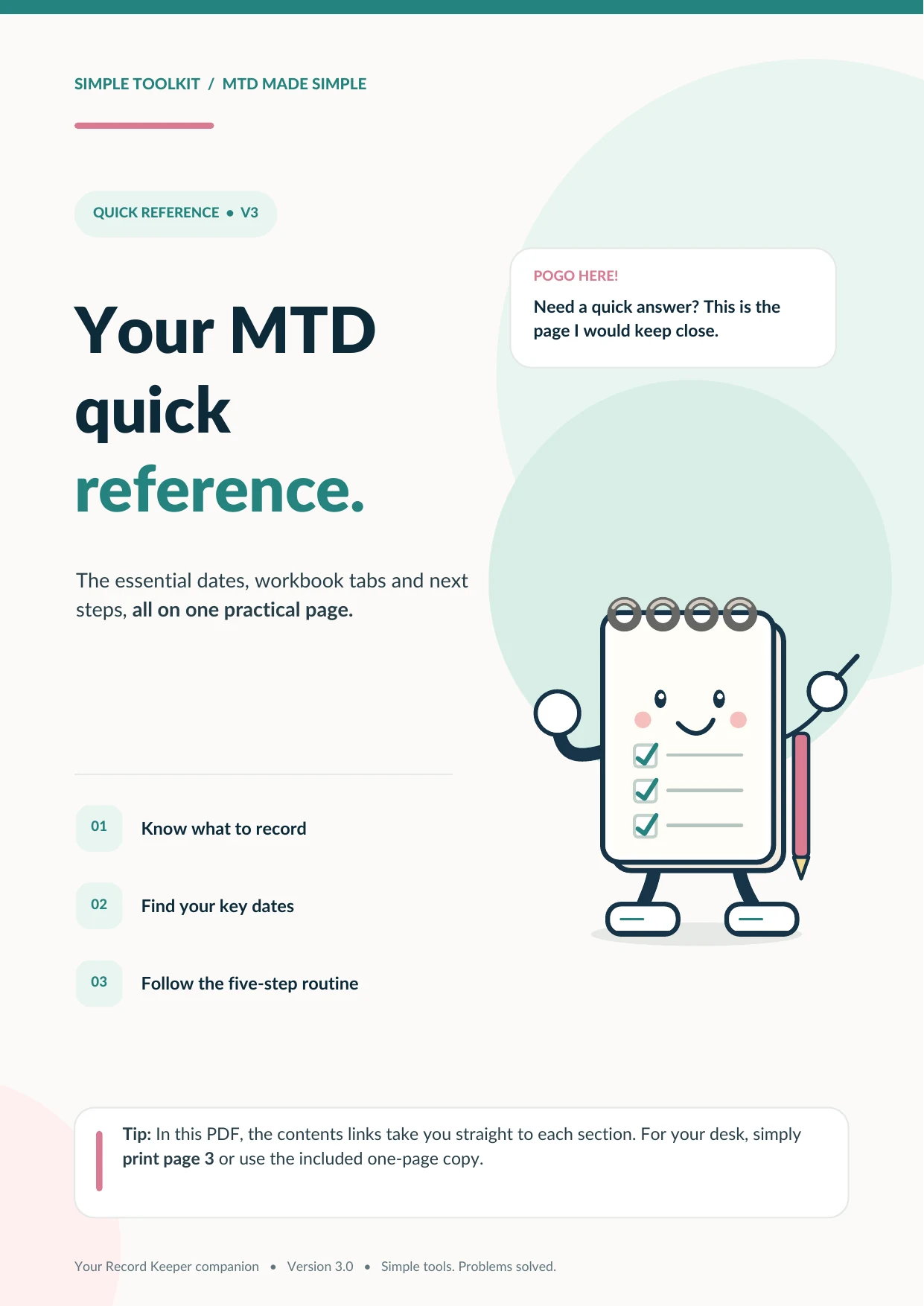
The online Record Keeper takes care of everyday entries. These extra resources help you get set up, organise receipts, understand MTD and share information when needed.
- Downloadable Excel workbook with dashboard, checks, tax planner, Accountant Summary and Bridging Export worksheet
- Receipt & Document Organisation System and folder template ZIP
- MTD Software Made Simple Guide and Quick Reference Sheet
- Organised information to share with your accountant
Want the full list of everything included? Open the details
Good to know: Your online entries save in the browser on your device, not in an automatically synced cloud account. Save regular backups. You do not need Excel for everyday recording; spreadsheet compatibility can vary if you open the exported workbook in other apps.
And a little help for the messy moments.
Because even with the best intentions, paperwork piles up and tax terms can be confusing.
Your £29 toolkit also includes the MTD Panic-Proof Pack — three quick-reference tools for getting unstuck.
A one-page, five-step reset when the records have slipped.
Twelve common terms translated into everyday English.
Small setup actions to help you start with a bit less fuss.
Made for people running a business, not studying accounting.
Here’s who it’s designed to help — and where its limits are.
You’ll likely find it useful if…
- You run a UK sole-trader business.
- You want a repeatable way to manage income and expenses.
- You would rather use a simple online tool than work in a spreadsheet every day.
- You want organised records and Excel files to pass to your accountant.
- You prefer plain English to accounting jargon.
It’s not intended to…
- Replace your accountant or personalised tax advice.
- Work out your final tax liability.
- Decide whether every expense is tax-deductible.
- Submit directly to HMRC without suitable software.
- Guarantee your MTD compliance.
A simple Record Keeper. A complete support toolkit.
An easy online tool for everyday records, a full Excel workbook at the click of a button, and clear guidance for everything around it.
The complete digital toolkit
One-off payment · Instant digital access
All included: The Excel Bridging Export worksheet, accountant handover, tax savings planner, illustrated guides, receipts system, checklists and Quick Reference Sheet.
Plus: the 3-part MTD Panic-Proof Pack, included free.
Things you might still be wondering.
Does this submit my MTD updates to HMRC?
No. MTD Made Simple helps you organise digital records, review your quarters and prepare totals. Actual submissions are made through suitable compatible or bridging software, or with your accountant.
Do I need Excel or Google Sheets?
No. You enter your everyday records in the online Record Keeper, right in your browser. When you need a spreadsheet, you can download a full Excel workbook containing your transactions, dashboard, checks and supporting summaries. It is designed for Excel; some features may behave differently if you open it in Google Sheets.
How do I open my online Record Keeper?
After purchase, sign in to your Simple Toolkit customer portal and open MTD Made Simple. It works in a modern web browser on iPhone, iPad, Android, laptop or desktop — there is no app-store download required. Your purchased access is linked to your account.
Are my records saved online and synced across devices?
No. Your login protects access to the tool, but your income and expense records are saved in the browser on the device you use. They do not automatically sync to your Simple Toolkit account or another device. Save a backup to your phone’s Files app or computer regularly, especially before changing devices or clearing browser data; you can restore that backup later.
Is this full accounting software?
No. It is a focused online record-keeping tool with income, expenses, a dashboard, quarter reviews, year-end checks and Excel exports. It is intentionally simpler than a full accounting package.
Do I still need an accountant?
That depends on your circumstances. The toolkit can help you keep your information organised whether you handle submissions yourself or work with an accountant.
Will it calculate my tax bill?
No. The Tax Set-Aside Planner is only a budgeting aid; it’s not a tax calculator or a substitute for tailored advice.
What if I don’t know how to categorise an expense?
The online Record Keeper has a “Not sure — check” category, so you can flag something for review instead of guessing.
Can I switch between tax years?
Yes. You can keep records for different tax years in the online tool and choose the year you want to view or export. Keep a separate backup for your records as you go.
What if MTD doesn’t apply to me yet?
Start with the free checker. You may not need to buy the toolkit now, even if preparing early would help you later. Check current HMRC guidance for decisions about your own situation.

Meet Simple Toolkit.
MTD Made Simple is part of Simple Toolkit — a growing family of practical digital tools created to make everyday tasks easier.
We believe useful tools should be straightforward, affordable and easy to get to grips with. No unnecessary complications.
Discover Simple ToolkitStill not sure where you stand?
Use the free checker first. Come back to the toolkit if it’s useful for you.